A visual lab that
follows the music.
Craft Visual Looks on the tablet — shaders, Milkdrop, particles, audio-reactive patterns, and video — then send them to TVs or projectors, cued right alongside your lights. Visuals are in active beta and rolling out next.
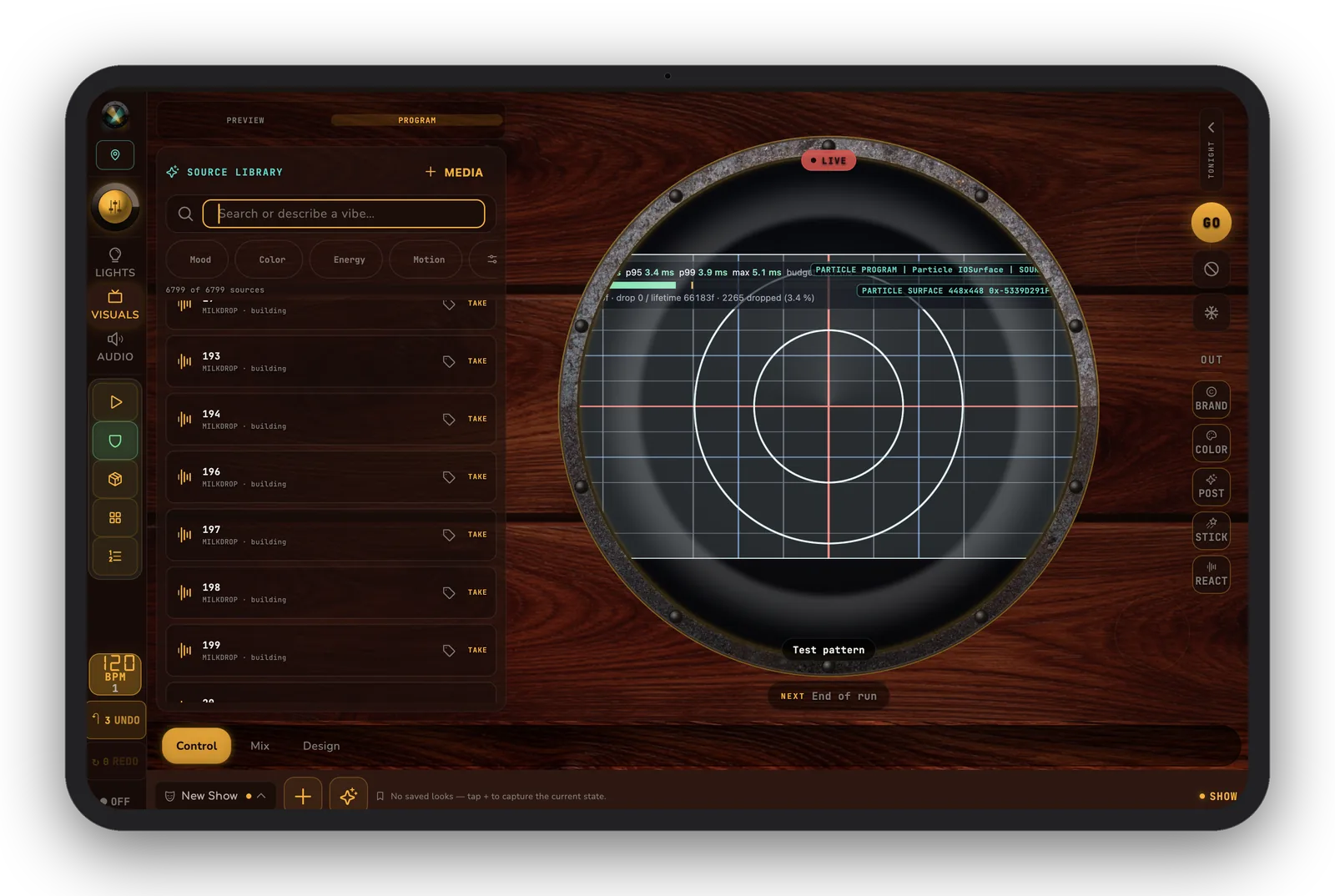
125 engines
MilkDrop, GLSL shader library, particles, generative, and live-code engines — browse, preview, and fire.
Audio-reactive
Visualizers driven by live mic, line, or source input — the wall moves with the room.
Projectors & TVs
Up to 4 projector outputs from the Mac host, with per-projector warp and edge-blend.
4-layer compositor
Output stack with color grade, post-FX, and stickers — build a look, drop it in the cue list.
NDI® & Syphon
Send a single iPad NDI® feed to a switcher, OBS, or Resolume — or bridge to Syphon on desktop.
Video & beams
Play video clips and drive beam-style virtual fixtures with pan/tilt mapping, all on the same timeline.
Where visuals stand today
- Visuals are coming soon in beta — the tablet visual lab and preview work now; projector output is maturing on the Mac host.
- iPad NDI® output is available where the native sender is supported; local projector/TV output and multi-output routing use the Mac host.
- Syphon / Spout / NDI® bridge routes are native-adapter dependent (Spout is future Windows work).
- Everything you build saves into the same cue list as your lights, so it's ready the moment visuals ship for your platform.
Want to be first when visuals go live? Join the beta and you'll get the visual lab as it rolls out.