
Every cue. One tap.
Even with student crew.
100 cues. Lights, sound, and projection on nearly every one. sho.run runs them from a single list a student can follow — with an undo for when someone gets brave and a lock for when they shouldn't.
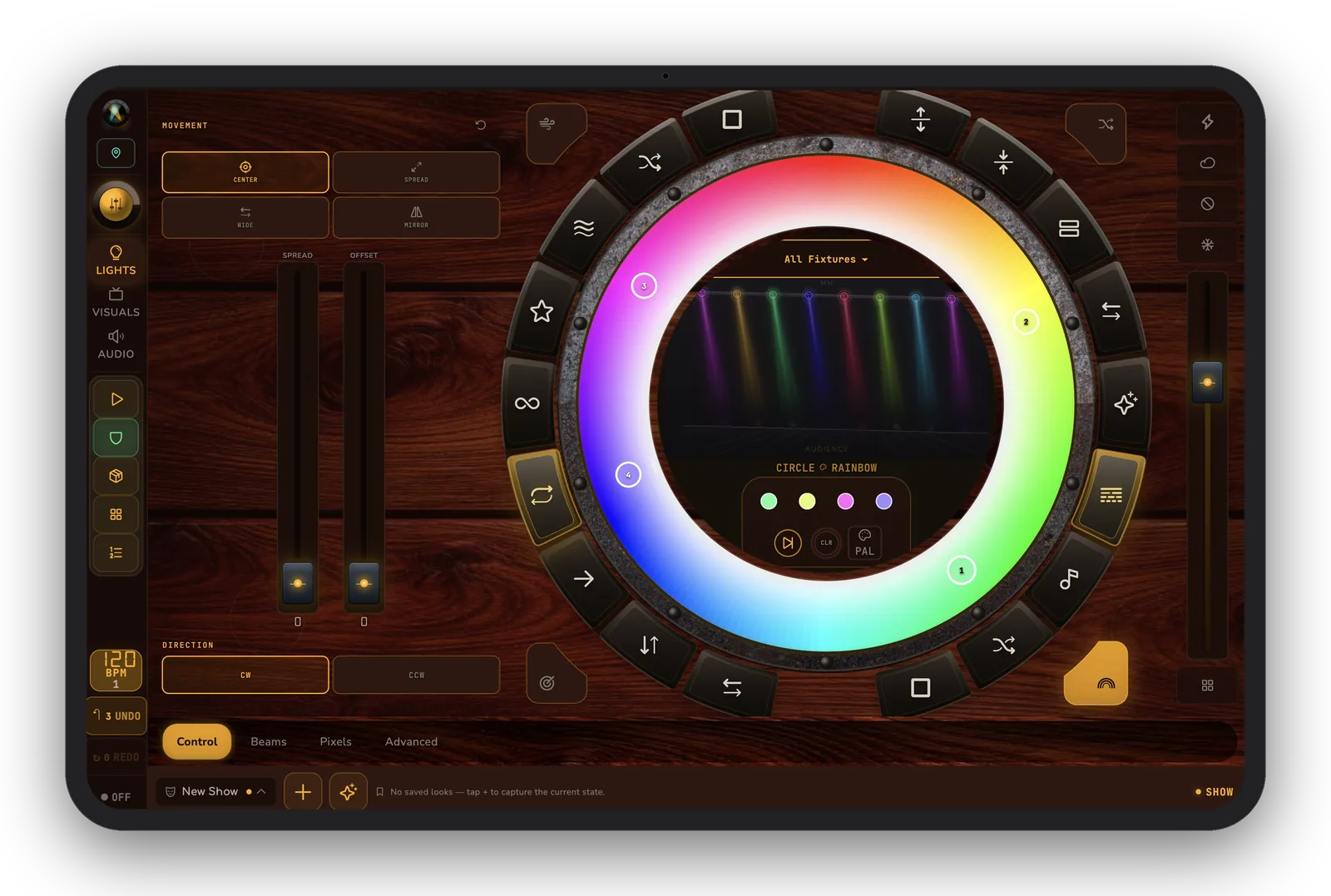
“100 cues. Lights, sound, and projection on every one of them — run by students who learned the board last week.”— the theater stage manager
The night, as it usually goes.
- Three separate operators trying to hit the same moment by feel.
- A lighting board nobody but the graduating senior understands.
- “Wait — undo, undo!” during tech week, with no undo.
- The director wants the cue list as a spreadsheet by Friday.
How it actually runs.
Build the show once as a single cue list. Arrow-key down, Enter to fire, long-press to tweak a timing. Students run it confidently because Showtime mode and deep undo have their backs.
One unified cue list
Cue 47 fires the wash, the storm-cloud projection, and the thunder rumble — one tap, three awesome effects.
Hold & follow times
Per-cue pre-roll, hold, and follow, with long-press to edit timings and 8-color tags for fly cues.
Deep undo
50-deep cue-list undo / redo with ⌘Z — survives every “wait, undo!” in tech.
Showtime mode
Locks the no-no's mid-show so a nervous student tech can't wipe the board.
Auto-recovery
Snapshots every 30 seconds and backup-on-save — if something goes off the rails you can get back on said rails.
Export for the director
Cue list export to CSV / JSON. Hand the director a clean sheet without retyping a thing.
Run your next one with sho.run.
Free beta on iPad, Mac, and Android tablet.
Join the community on Discord