
Sunday's ready
before you are.
Wash lights, song slides, and the backing track — and no second take. sho.run lets a rotating team of volunteers run service with confidence, on the clock, with everything locked down once it starts.
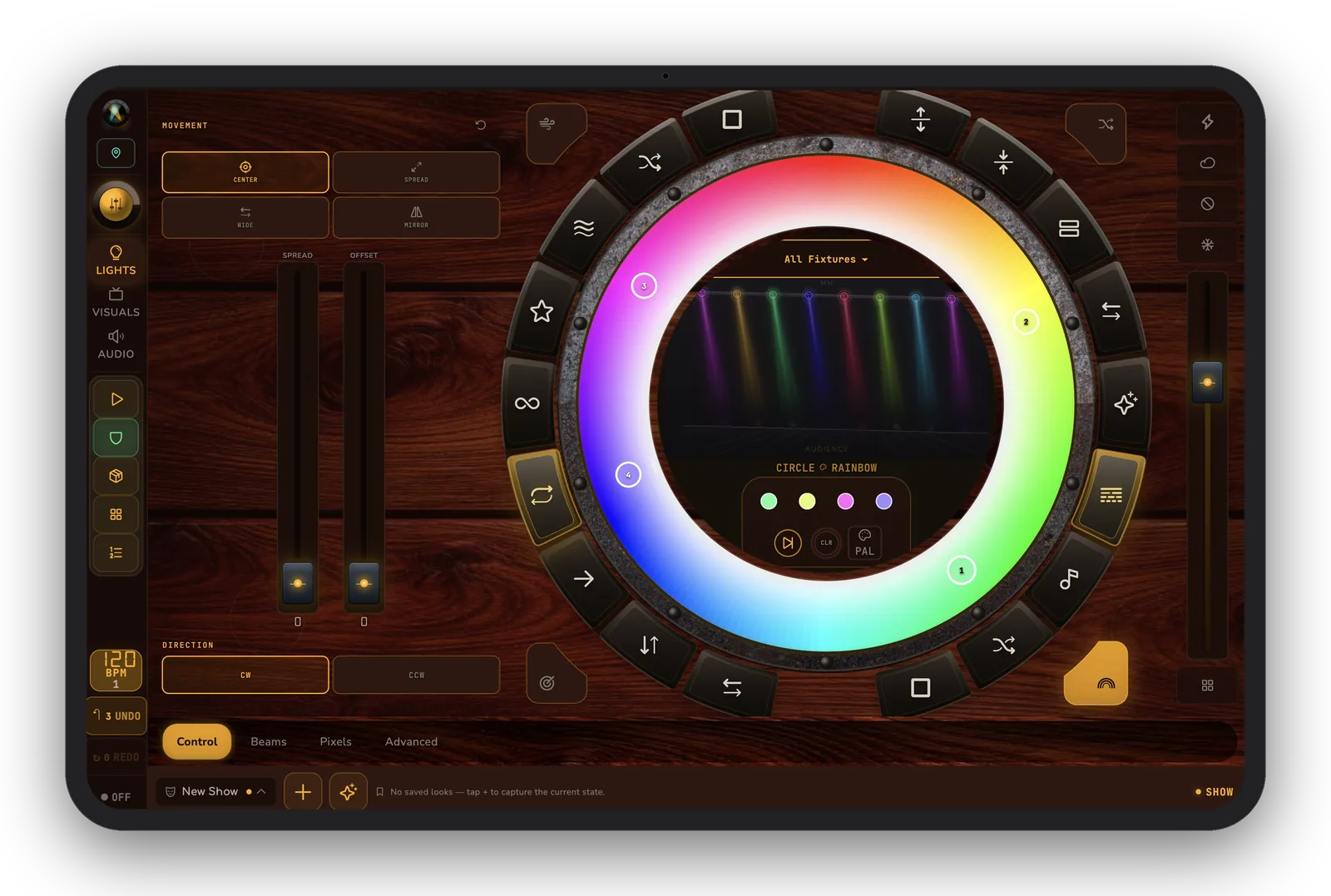
“Sunday. Wash, song slides, and the backing track — no re-runs. The wall-clock trigger fires the prelude at 9:55 and Showtime mode locks it all down.”— the house-of-worship volunteer
The night, as it usually goes.
- A different volunteer every week, each re-learning the gear.
- The prelude needs to start at 9:55 whether or not someone remembers.
- PowerPoint over here, lights over there, sound in the back.
- One wrong tap mid-service and there's no do-over.
How it actually runs.
Set the service once. sho.run brings the room up on the clock, fires the cues, and Showtime mode keeps a first-time volunteer from touching anything they shouldn't. Service runs itself, gracefully.
Wall-clock cues
Fire the prelude bed at 9:55 — lights to warm wash, projector to the announcement loop, music coming up. Automatically.
Triggers from other apps
If you're using something already to help with your service, we are working to connect to it in future releases.
Showtime lock
Volunteers can run it, not break it.
Operator profiles
Each volunteer sees only the faders and buttons they need — nothing to fear, nothing to fumble.
Same every week
Save the service once; reload it next Sunday. New volunteer, same confident run.
Multi-campus ready
Cloud fleet management (v1.1) keeps every campus on the same looks and cue lists.
Run your next one with sho.run.
Free beta on iPad, Mac, and Android tablet.
Join the community on Discord