Talk to the mixer
already in your booth.
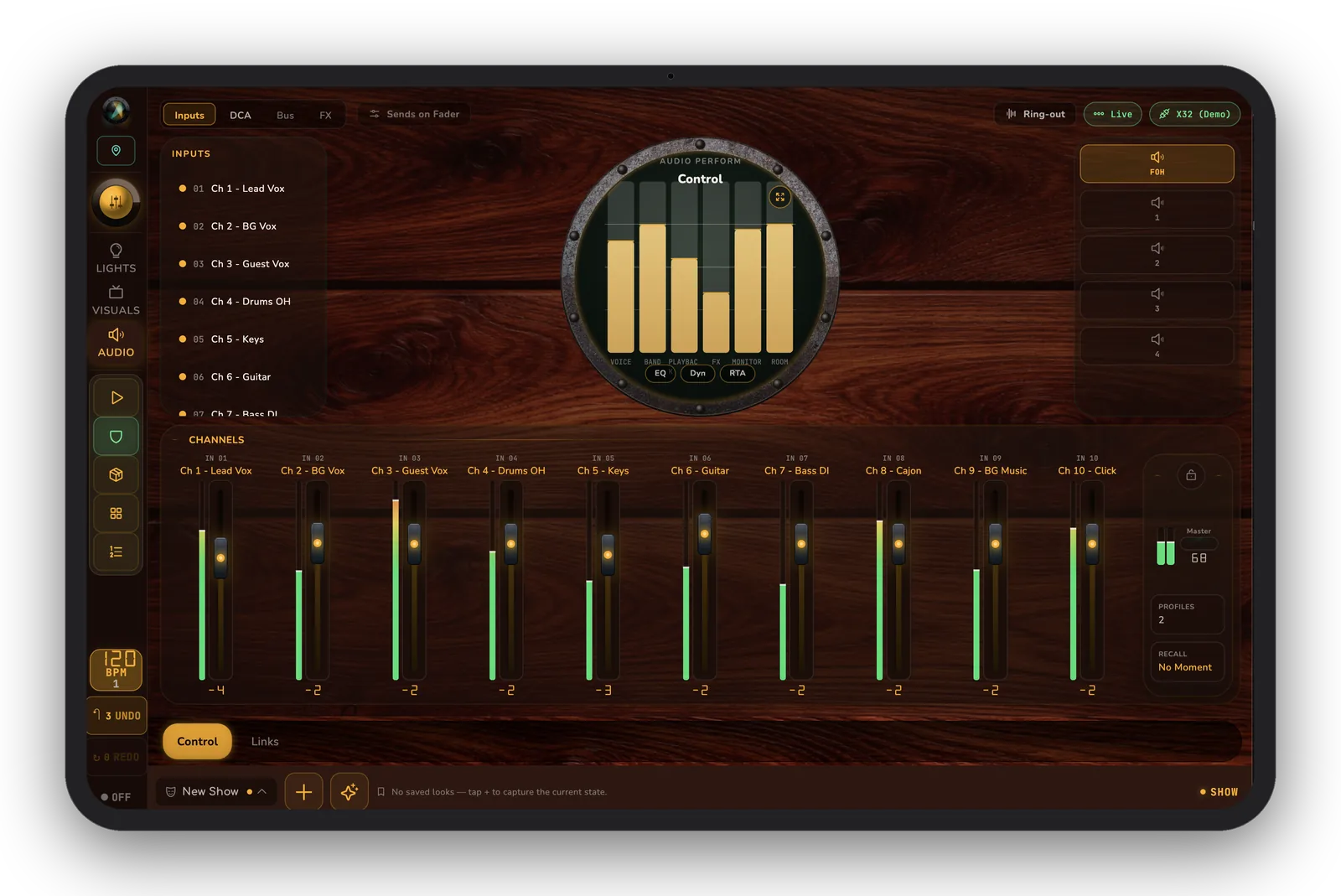
sho.run doesn't replace your console — it drives it. Recall scenes, duck the house music under a mic, and keep voices in line, all fired from the same cue list as your lights. Audio control is coming soon.
Scene recall
Recall mixer scenes straight from a cue — the mix changes when the moment does.
House-music control
Duck the playlist under announcements with safety limits — a one-tap “duck” preset sits around 22%.
Operator profiles
Custom fader and button bindings per show, so a volunteer sees only the moves they need.
Voice tagging
Tag voice sources and see who's live at a glance on the audio-perform surface.
Hardware-validated
Launch tier: Behringer X32 / M32, XAir (XR12/16/18), and Wing — tested on real desks.
Wide support
Soundcraft Ui, Mackie DL, PreSonus StudioLive, Allen & Heath, Yamaha and more at supported / beta tiers.
Which mixers are supported
- Support coming soon for: Behringer X32 / M32, XAir (XR12 / XR16 / XR18), and Wing.
- Supported (driver complete; some feature gaps possible): Soundcraft Ui (Ui12/16/24R), Mackie DL, PreSonus StudioLive, Allen & Heath (CQ/SQ/Qu/dLive/Avantis/AHM).
- Beta (protocol-backed; need desk validation): Yamaha CL/QL, TF, and DM3 / DM7.
- Check your exact model's tier before you rely on it for showtime — we keep the roster current in our docs.
Audio talks to your desk over your LAN — local and fast. Sign-in and purchases use the app stores only when needed.